

Sign in to your account
Head to your dashboard to quote, book, and track. Signing in takes two clicks.
Steps to sign in
-
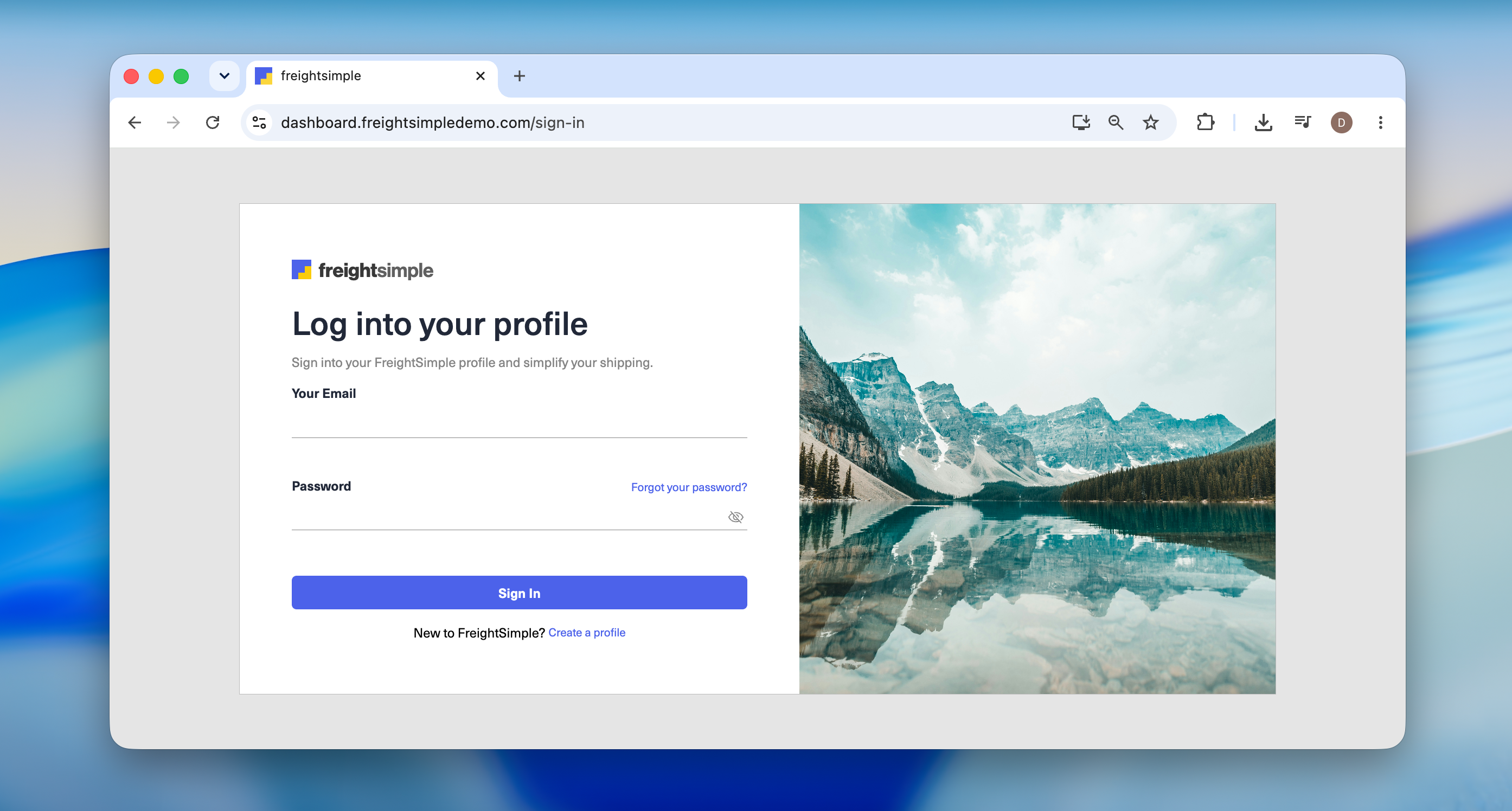
Go to the sign-in page
Open dashboard.freightsimple.com/sign-in. Bookmark it so it's one click next time.
-
Enter your email and password
Then click Sign in. You'll land straight on your dashboard.
Trouble signing in?
- Check your email for typos. It has to match the address your account was created with.
- Passwords are case-sensitive. Make sure Caps Lock is off before trying again.
- Forgot your password? Reset it by email in under a minute.
- Ship in both CAD and USD? You may have two separate accounts. Sign in with the email tied to the one you need.
Don't have an account yet? Create one in two minutes. Still can't get in? Email support@freightsimple.com.
Was this article helpful?
Thanks for letting us know.
What was missing?
Sorry about that. Our team can answer it directly.
Find who to contact