

Create your account
Set up your FreightSimple account in about two minutes. No credit check, no long forms.
Steps to create your account
-
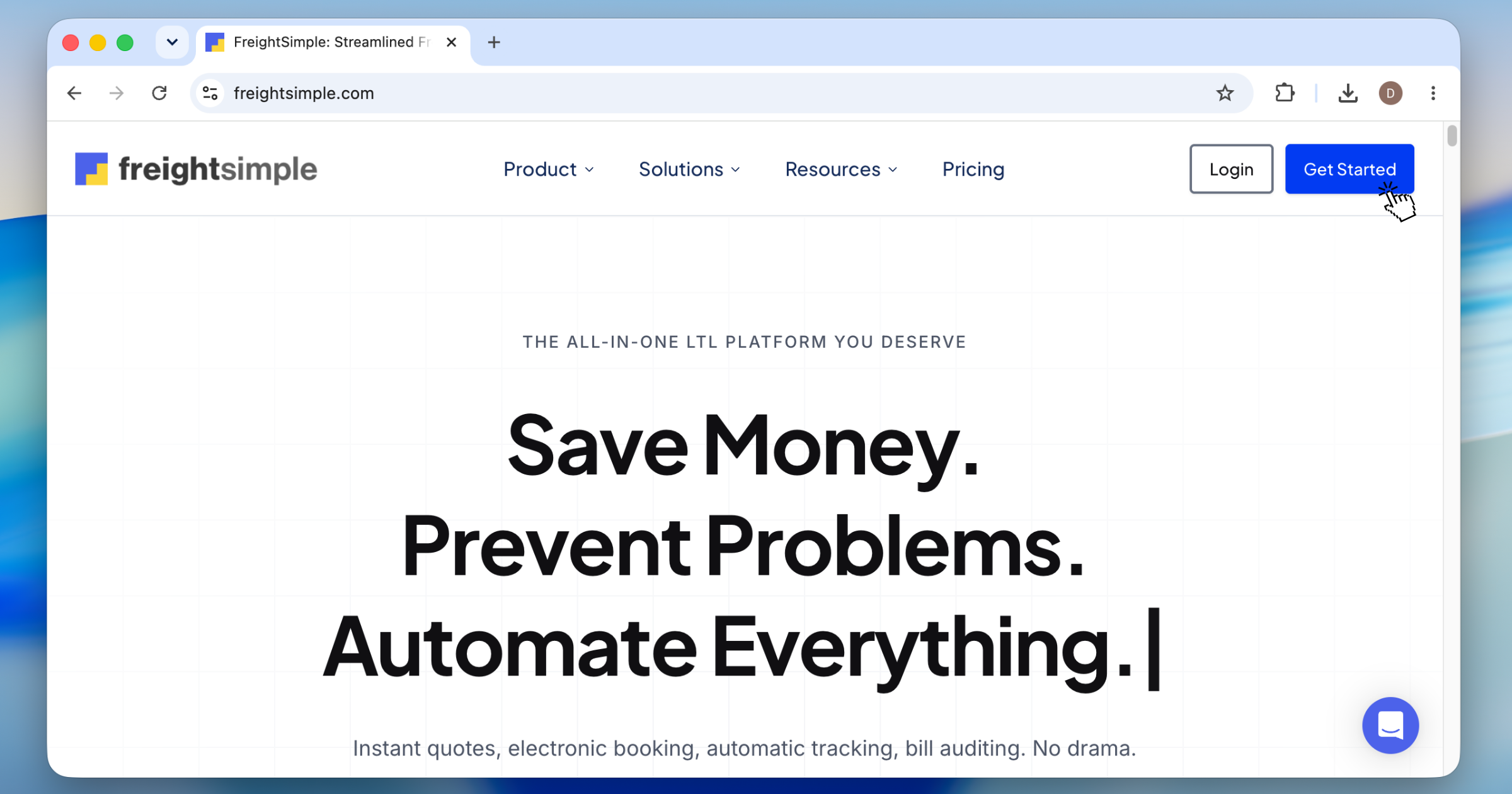
Go to the sign-up page
Open dashboard.freightsimple.com/create-account.
-
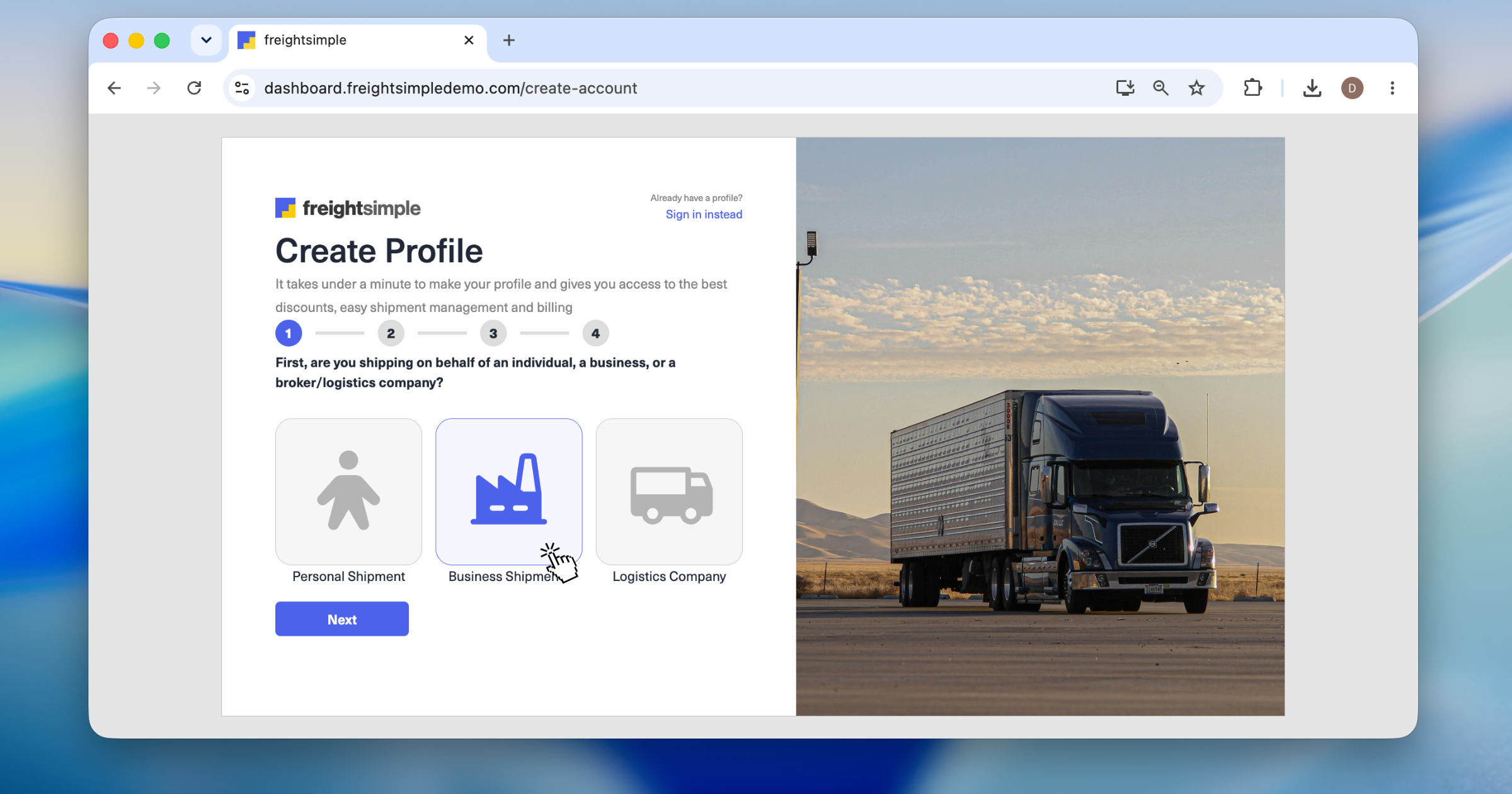
Choose your account type
Pick the option that fits you: Individual for one-off, personal shipments, Business for shipping on behalf of a company, or Logistics company for brokers and 3PLs.
-
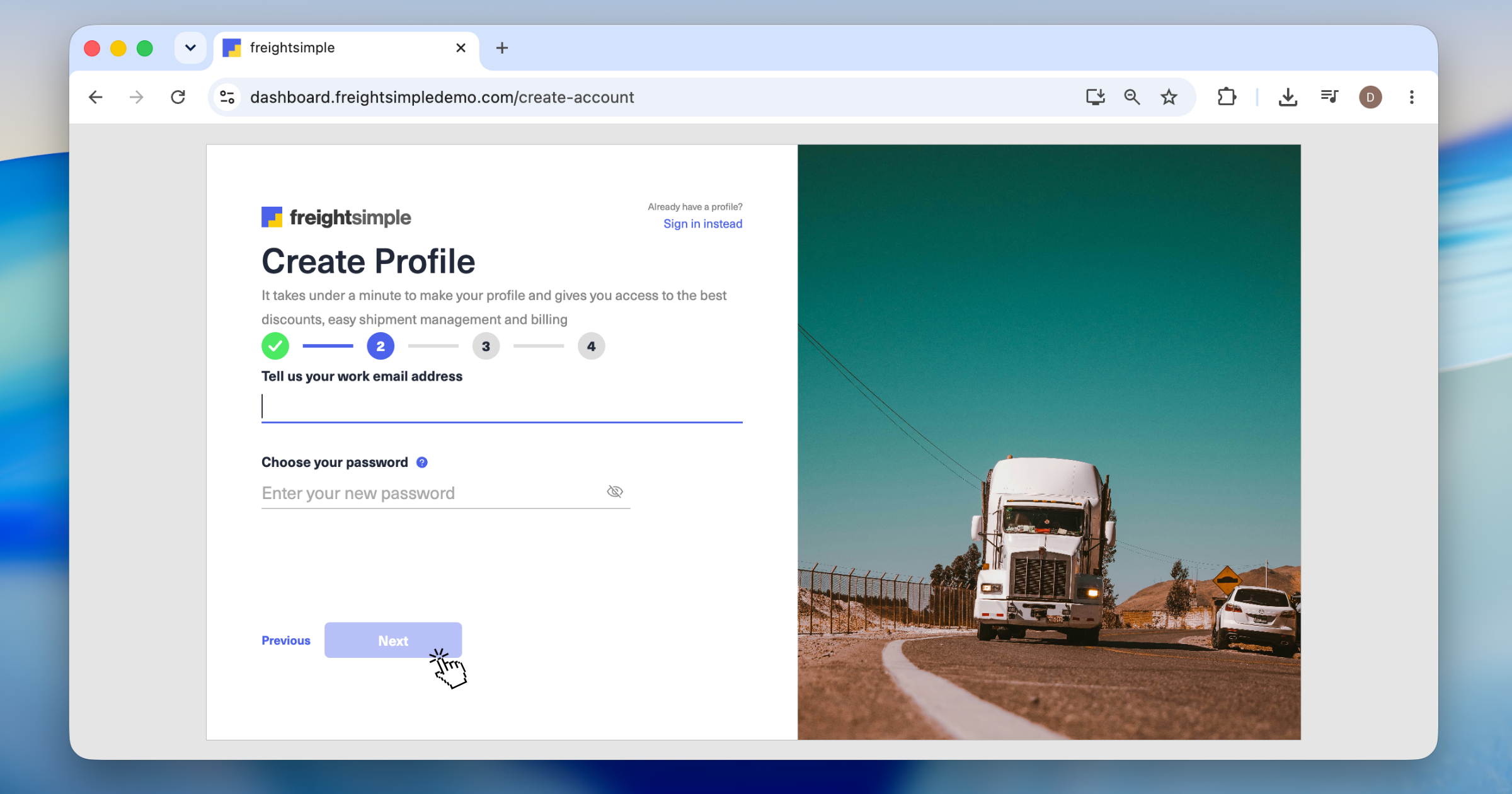
Enter your email and set a password
Use your work email. That's where we'll send shipment updates, invoices, and account info. Then set a password of at least 8 characters. A password manager makes this easy.
-
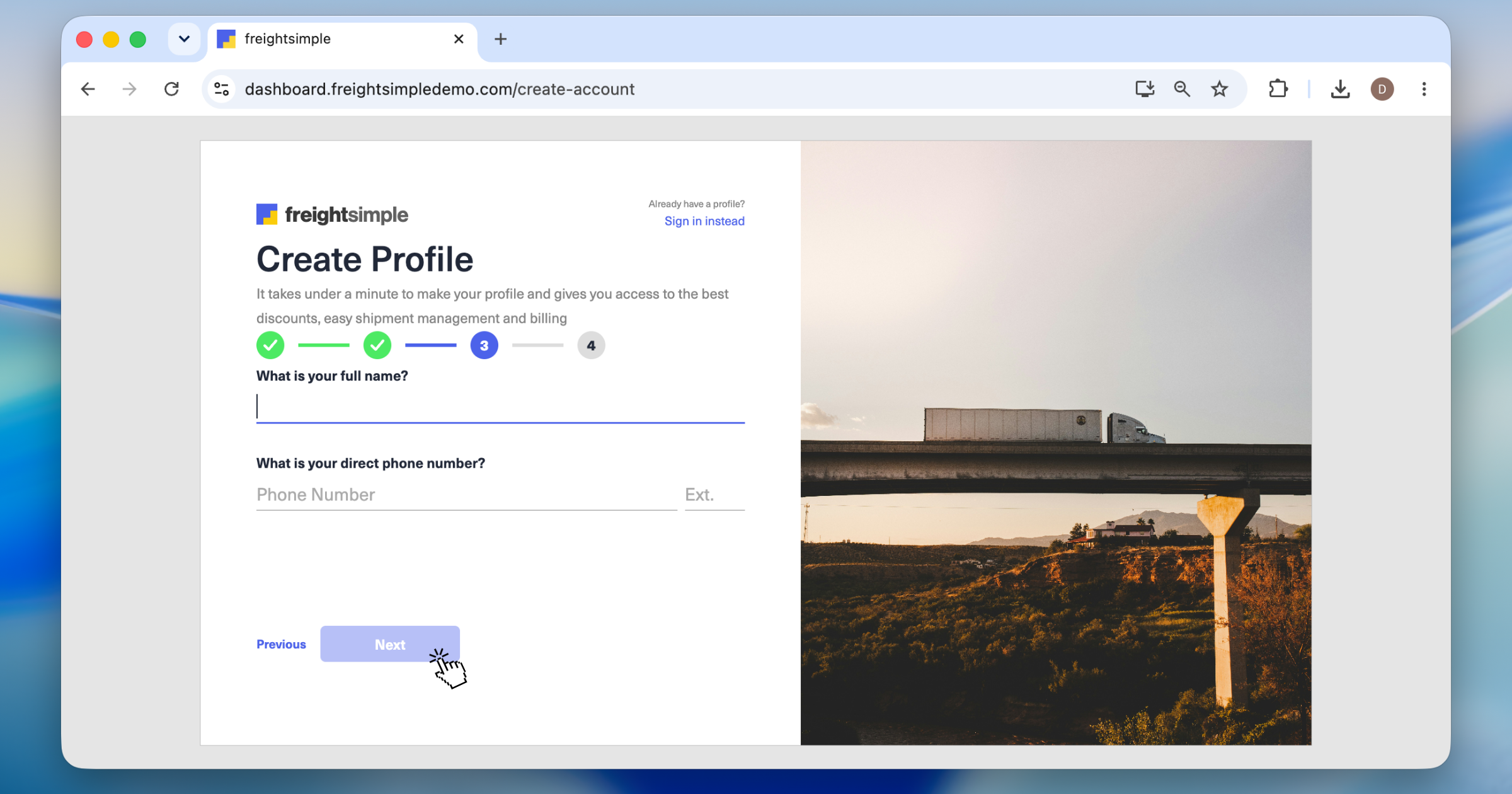
Add your name and phone number
We'll only reach out if there's an urgent shipment update.
-
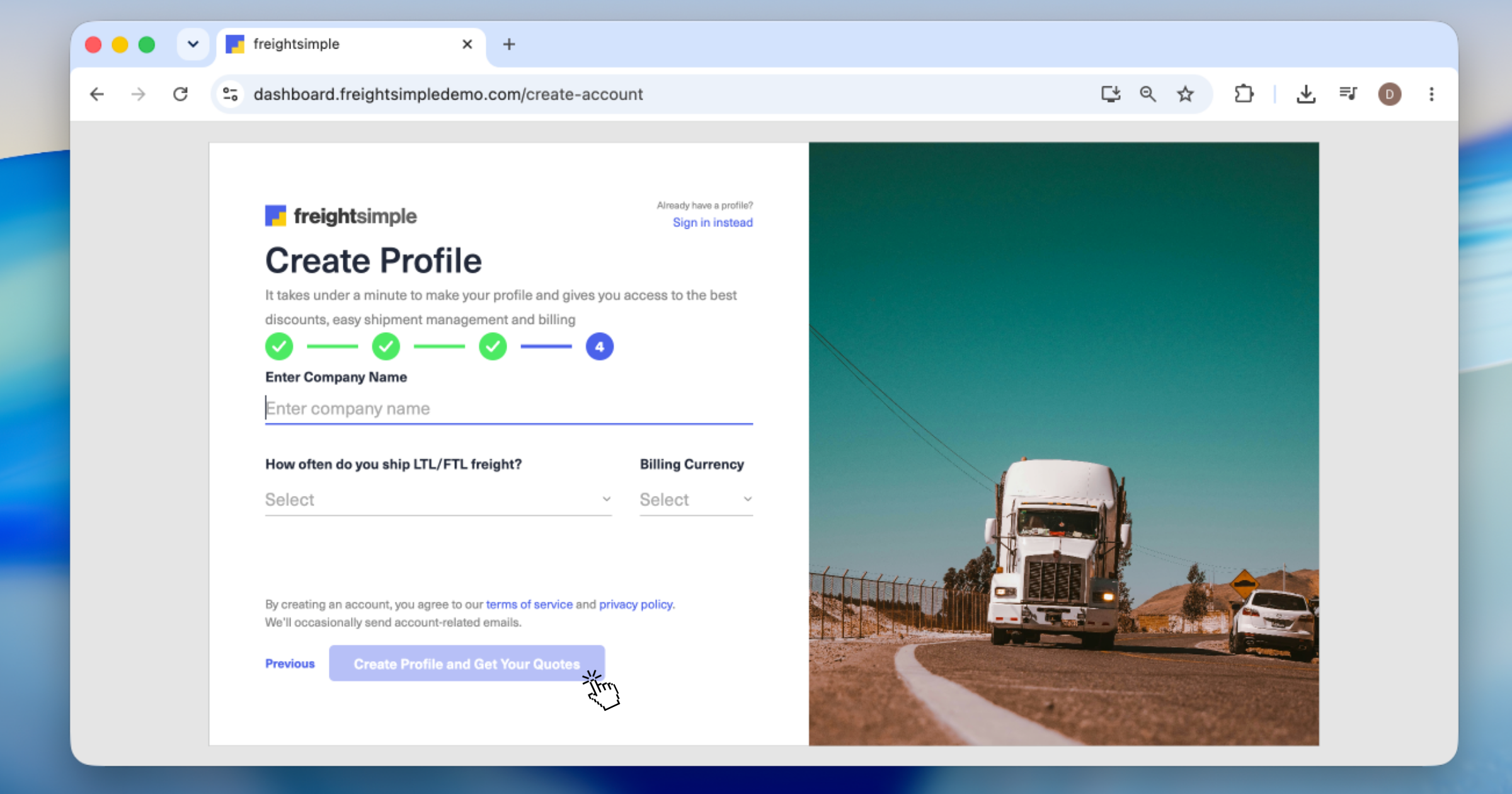
Add your company info
Tell us your company name, billing currency, and how often you ship.
-
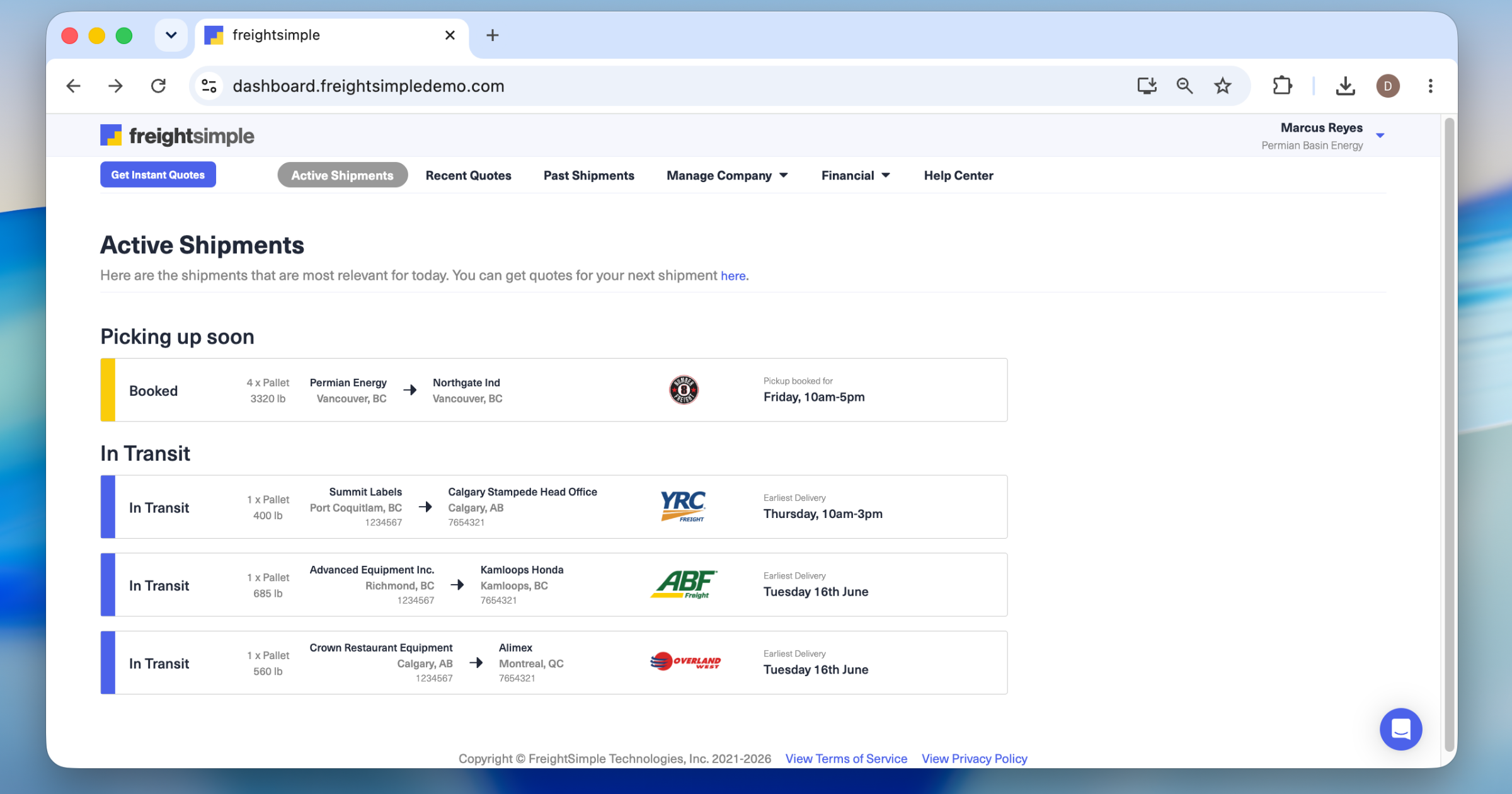
You're in
That's it. Quote, book, and track your first shipment.
Was this article helpful?
Thanks for letting us know.
What was missing?
Sorry about that. Our team can answer it directly: chat from the dashboard, email support@freightsimple.com, or call +1 (604) 200-2500.
Find who to contact