

Invite a colleague
Add teammates to your FreightSimple account so they can book shipments, view history, and manage everything alongside you. Invitations go out by email right away, and your colleague gets full access as soon as they complete their setup.
Prefer to watch? A quick walkthrough of inviting a teammate.
Before you start
- The email address of the colleague you want to invite.
- The right permissions on your FreightSimple account to manage users.
Steps to invite a colleague
-
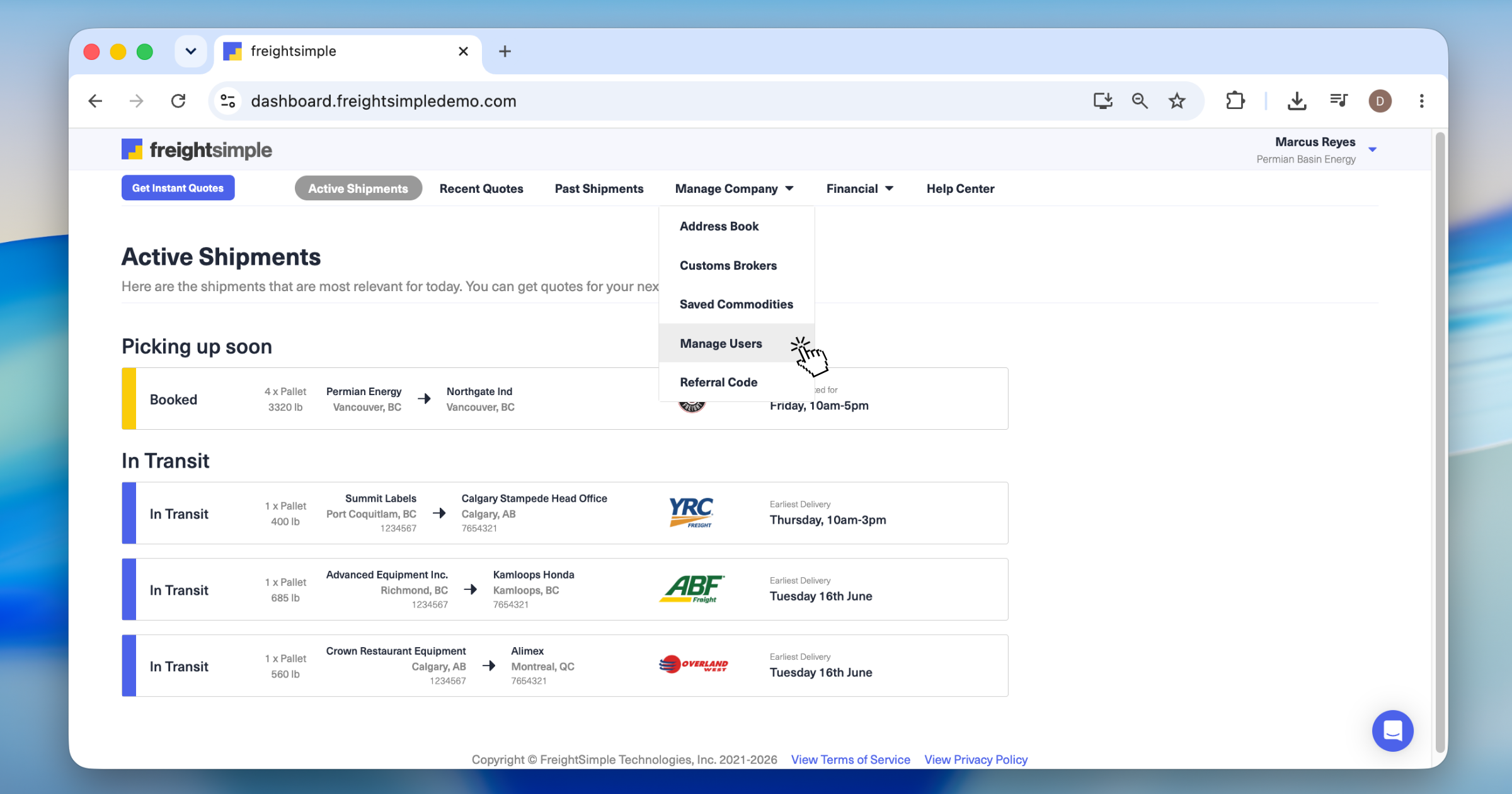
Open the Manage Users section
From your dashboard, click the Manage Company tab, then select Manage Users. You'll see a list of everyone who currently has access to your company's account.
-
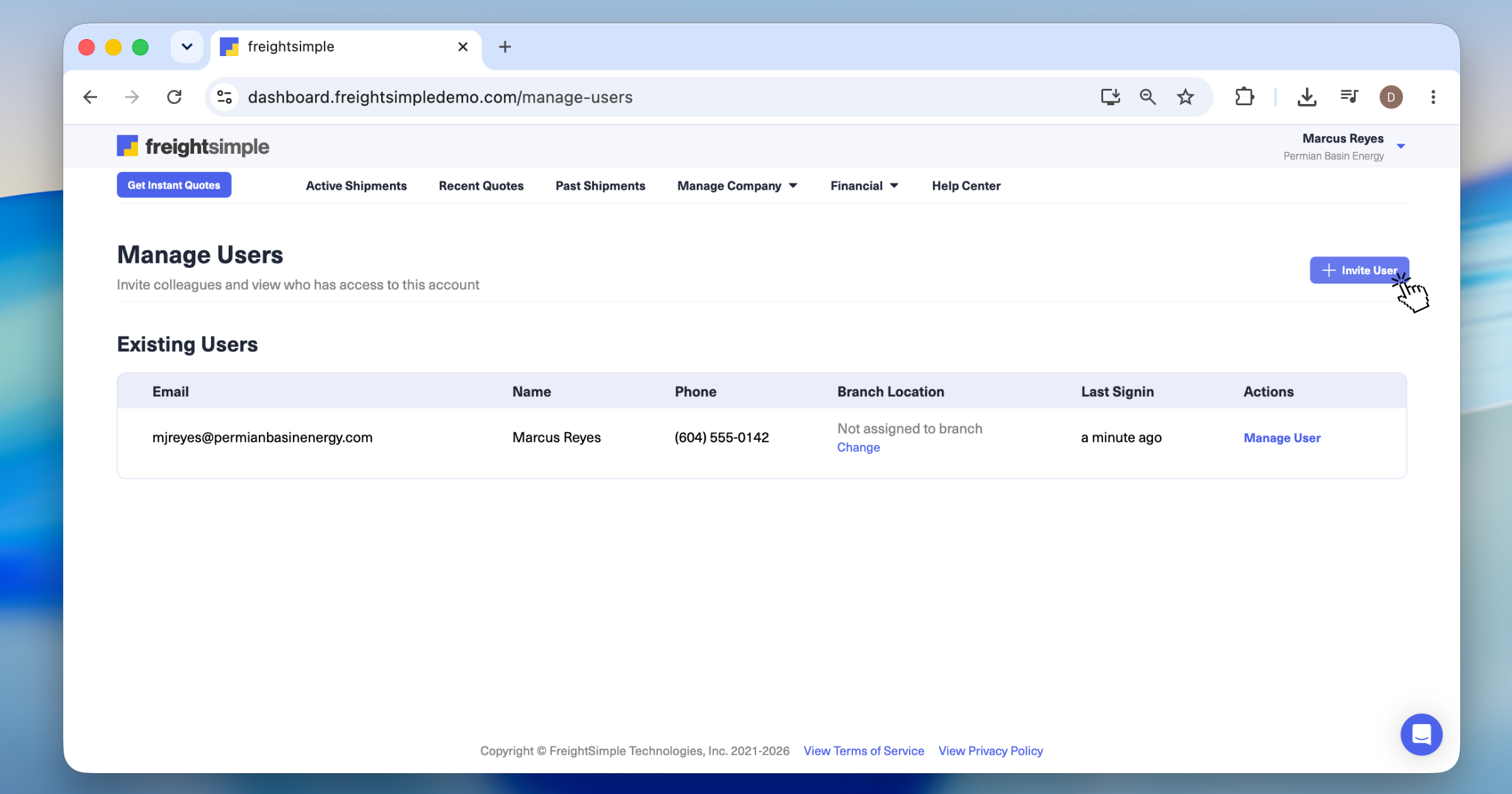
Start a new invitation
Click the Invite User button at the top of the page.
-
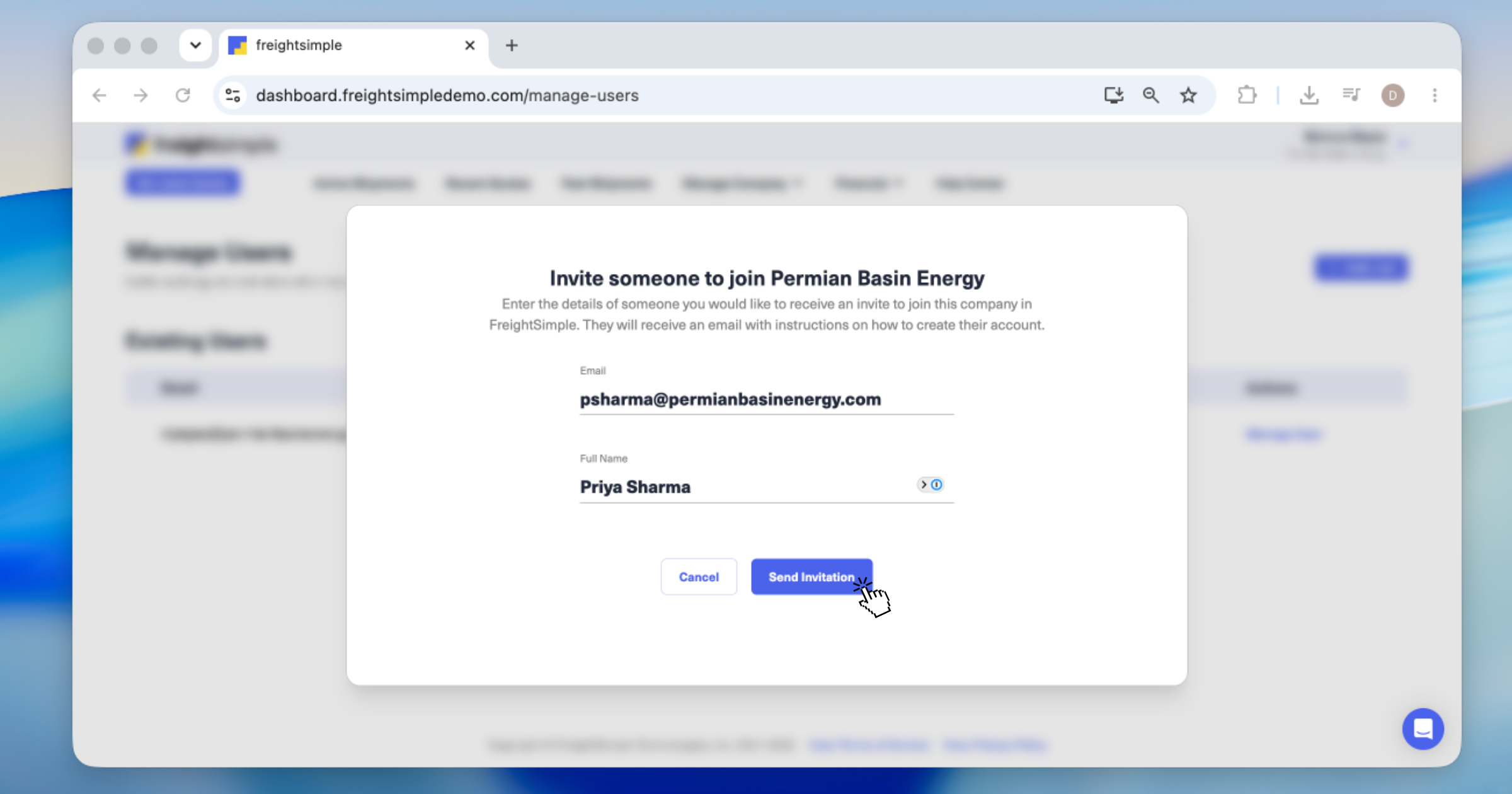
Enter your colleague's details
Fill in the required information for your colleague. You can invite more people by repeating this step after each invitation is sent.
-
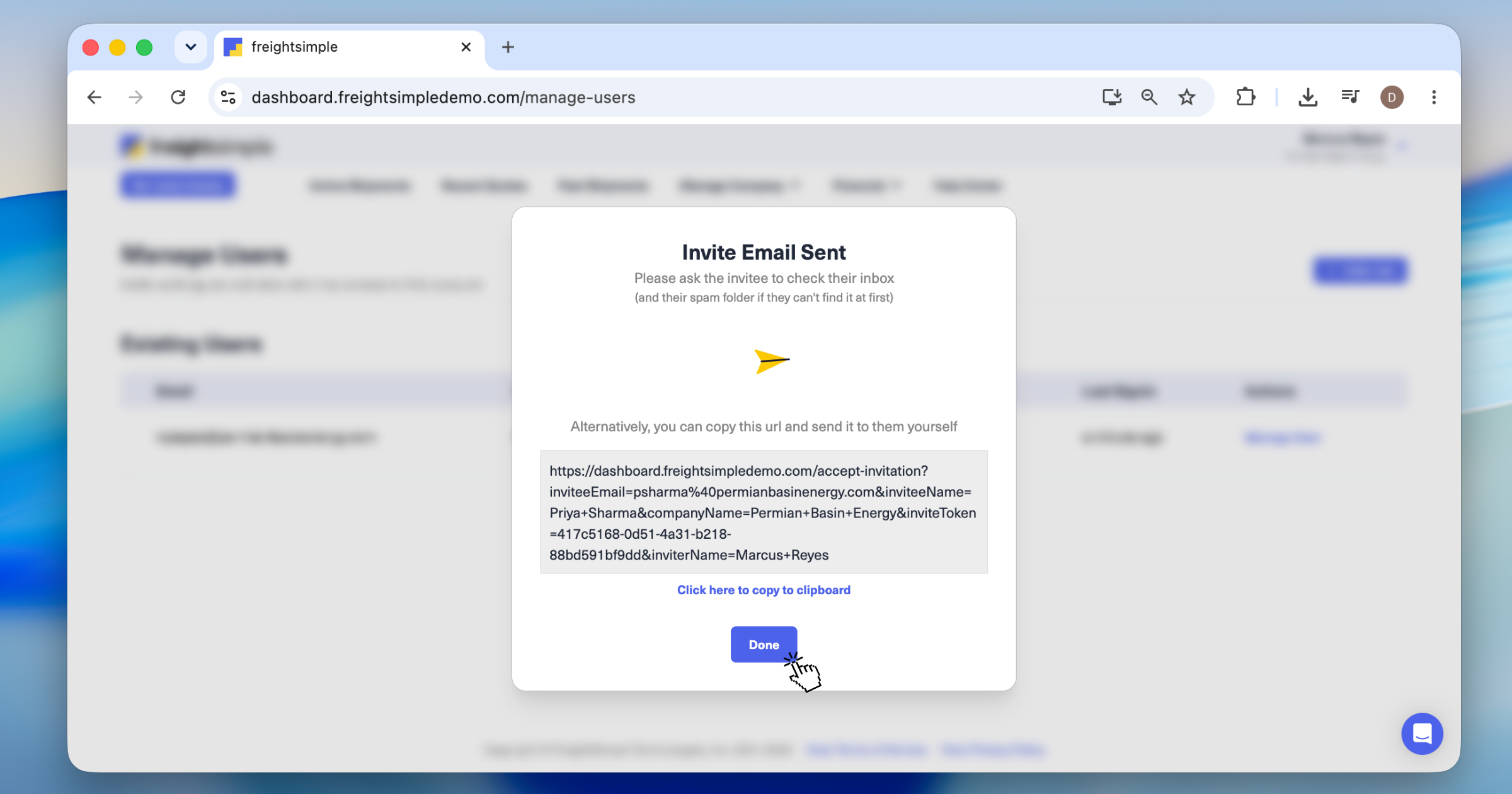
Send the invitation
Click Send Invitation. Your colleague gets an email right away with instructions to create and activate their FreightSimple account.
What your colleague will be able to do
Once they complete their setup, your colleague will have full access to:
- Your company's complete shipment history.
- Booking new shipments.
- The Address Book and saved commodities.
- All the tools FreightSimple offers.
Related articles
- Saving a location. Build out your Address Book so new teammates can ship without re-entering details.
- Adding a credit card. Set up payment methods your team can use for bookings.
Was this article helpful?
Thanks for letting us know.
What was missing?
Sorry about that. Our team can answer it directly.
Find who to contact